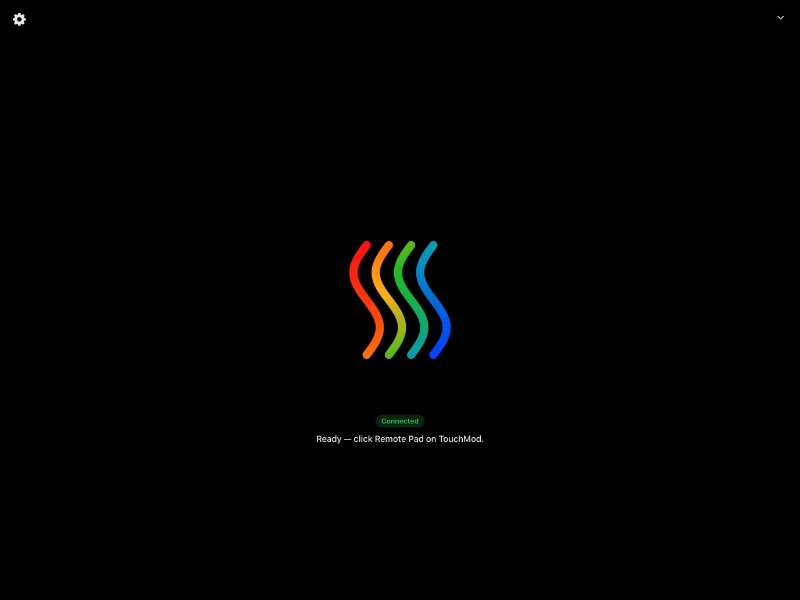
TouchMod Remote is a free iPad app, available on the Apple App Store, that connects wirelessly to TouchMod IN and TouchMod FX on your computer. Install the app and it works automatically over WiFi, with no complicated pairing or network setup.
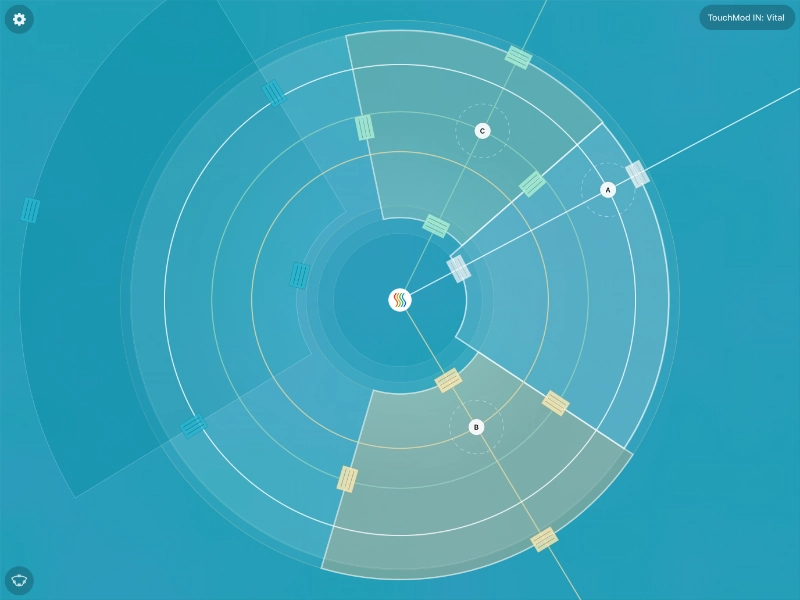
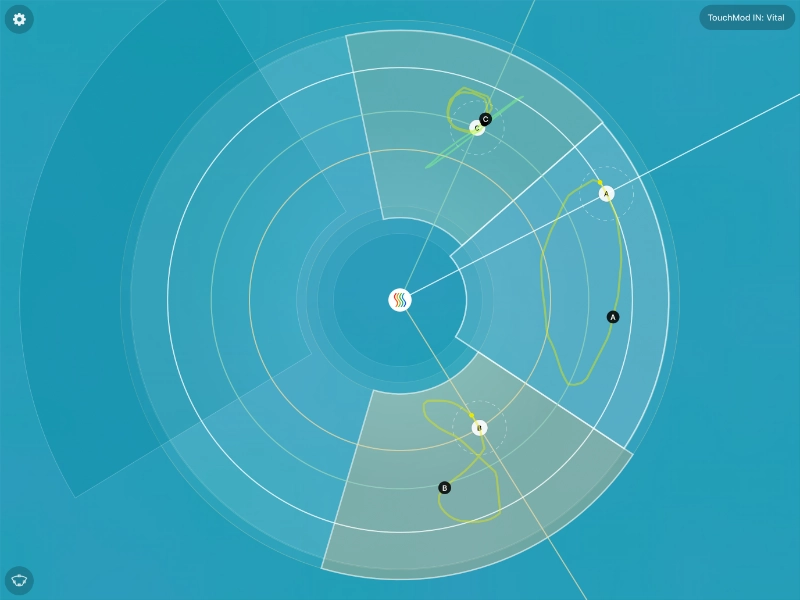
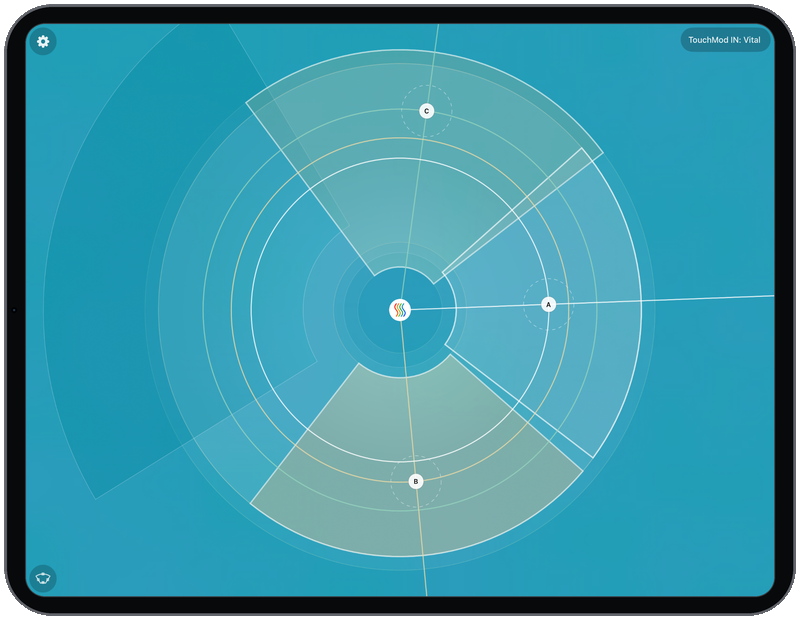
The app shows only the TouchMod pad, fullscreen: the same view you get when the pad is detached in the plugin. A wireless pad means no cables. Place your iPad wherever it suits you, beside the keyboard, on a stand, or across the room. Control feels practically real-time, with almost no perceptible latency.
Resize sectors just like on the TouchMod pad. Sector sizes, layout adjustments and colors stay in sync with the pad in the TouchMod VST3® plugin. Change a sector on the iPad and the plugin follows; adjust colors on either side and both stay matched.
Remote works with the Windows and macOS versions of TouchMod. The Mac version of TouchMod is not available yet. Once it is released, TouchMod Remote will let you use TouchMod on a Mac from your iPad as well, without a separate hardware touchscreen.
When TouchMod detects an iPad running Remote, the plugin shows an extra button to activate the external pad. Only one pad can be active at a time. You can choose which TouchMod instance to control both in the plugin and in TouchMod Remote on the iPad.
You can also switch between TouchMod instances directly on the iPad. Jump quickly between different TouchMod FX or IN windows, for example when working with several effects in parallel.
In rare cases, a firewall on the host computer may need a small adjustment to allow local network discovery. For most users, installation is all that is required.
Key Features
- Free iPad app on the Apple App Store
- Automatic WiFi connection to TouchMod IN and TouchMod FX
- Wireless pad: no cables, place it wherever suits you
- Practically real-time control, almost no perceptible latency
- Fullscreen pad view, identical to detached pad mode
- Resize sectors just like on the TouchMod pad
- Sector sizes and colors sync with the VST3 plugin
- Works with the Windows and macOS versions of TouchMod
- Choose the active plugin in TouchMod or TouchMod Remote
A Remote Pad for TouchMod on Your iPad
TouchMod Remote extends the TouchMod experience to iPad. A wireless control surface you can place anywhere, with practically real-time response: the same pad you already know, synchronized and free on the Apple App Store.