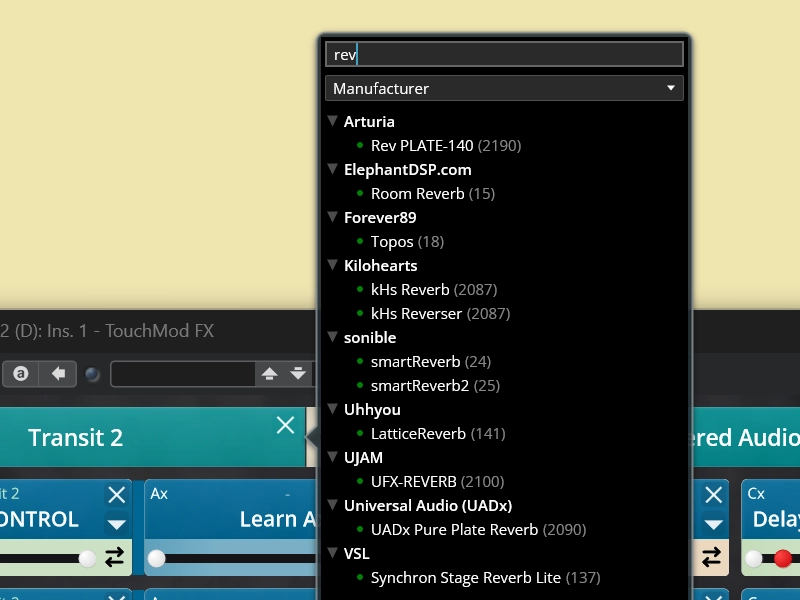
TouchMod FX is a Windows VST3 plugin that adds multitouch control to effect plugins. It lets you perform with delays, reverbs, filters, distortion, modulation effects, dynamics processors and other VST3 effects from a surface that responds directly to your fingers. Use a Windows multitouch display or control the pad wirelessly from an iPad.
TouchMod FX is free until November 15, 2026 as part of its launch promotion. Download it before that date to receive a perpetual license and free updates.
Effect plugins often become more expressive when several parameters move together. Increase delay feedback while darkening the repeats, open a filter while adding drive, or let the size, damping and modulation of a reverb change as one connected gesture. TouchMod FX brings these controls together so you can shape the result while listening instead of editing one value at a time.
Each finger position can control one parameter on the X axis and another on the Y axis. Use up to four fingers simultaneously to move as many as eight effect parameters during one performance. Each finger remains independent, so one movement can stay small and precise while another makes a broader change.
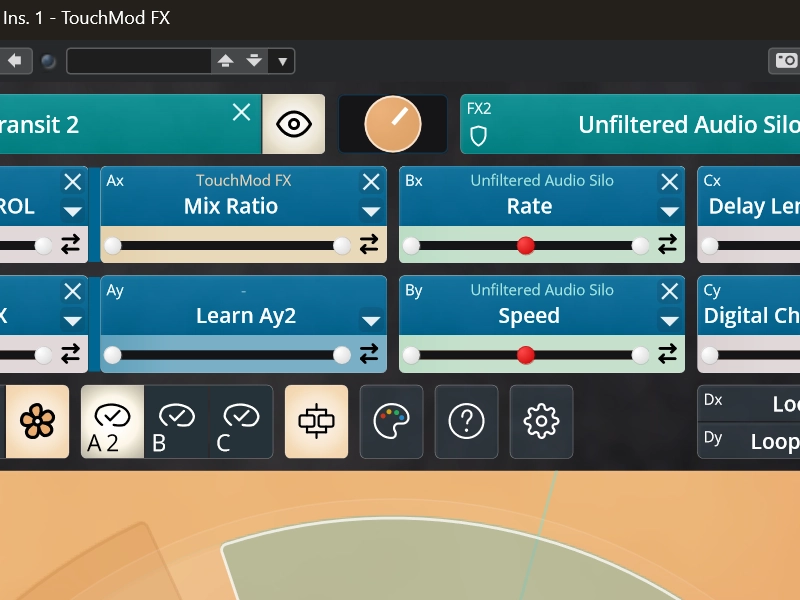
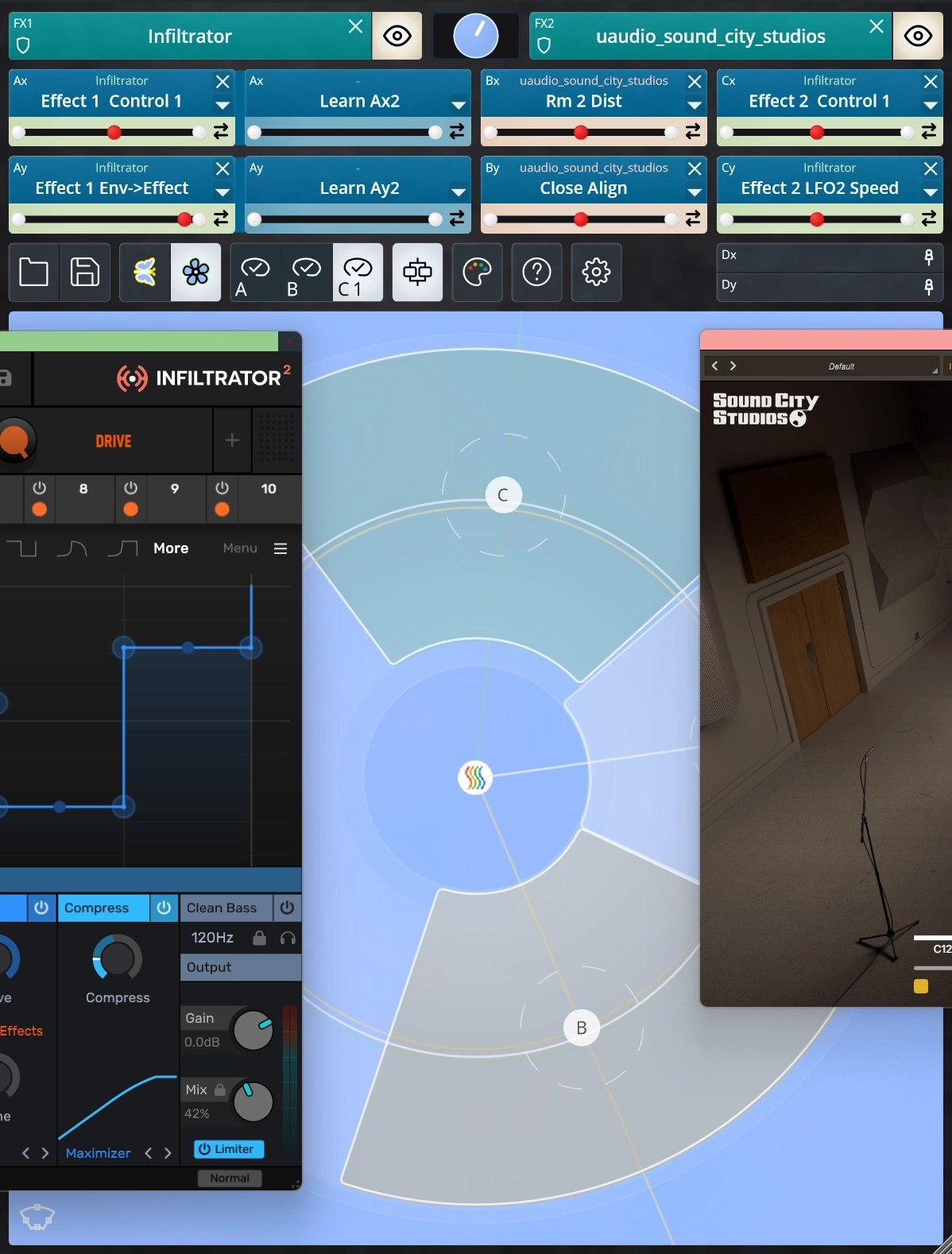
TouchMod FX can load two VST3 effects inside one instance. Place them in series when the output of the first effect should feed the second. Choose parallel routing when both effects should process the incoming signal separately. In parallel mode, the Mix Ratio can also be assigned as a touch parameter, allowing the balance between the two effects to become part of the performance.
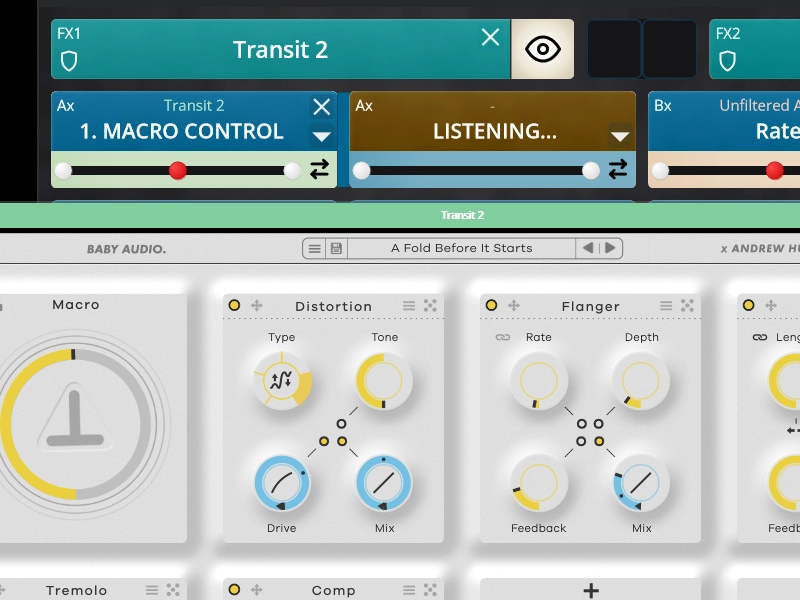
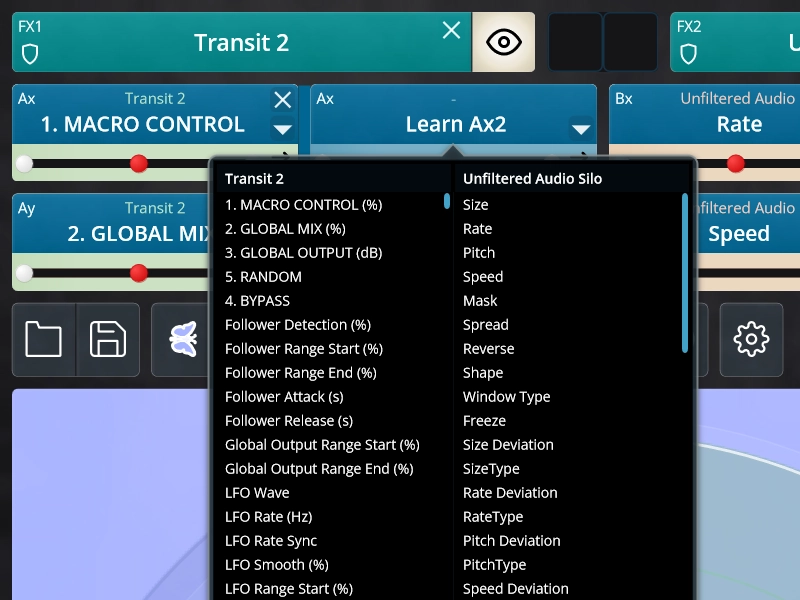
Parameters can be assigned in two ways. Activate Learn mode and move a knob or slider in either loaded effect. TouchMod detects the parameter and connects it to the selected axis. You can also choose directly from the full parameter list, including controls that the effect exposes to the host but does not show clearly in its own interface.
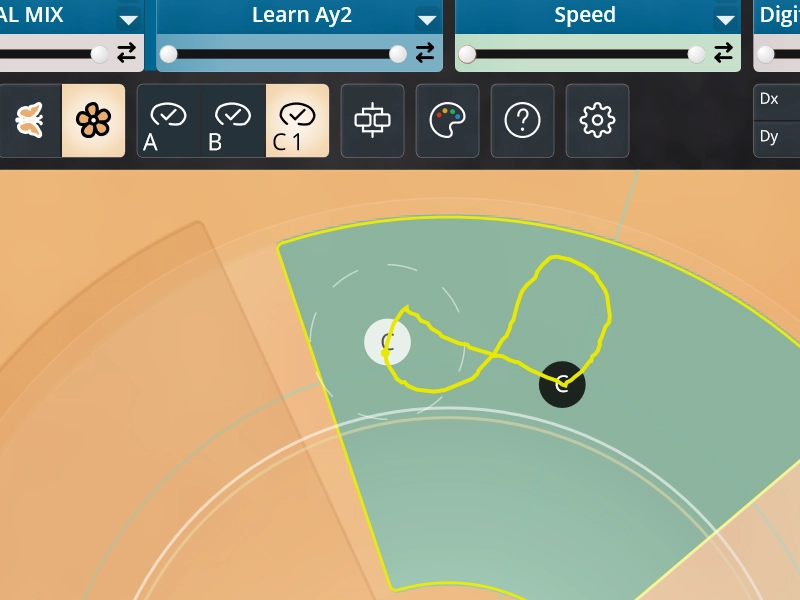
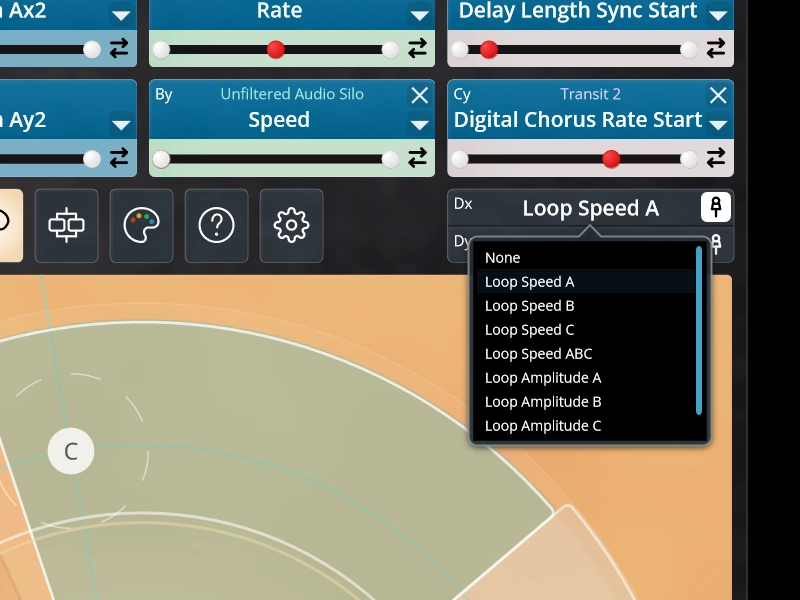
TouchMod FX can record your touch gestures and replay them as looping parameter movements. Add a second recorded movement to create more layered modulation. Loop speed and amplitude remain adjustable while playback continues, so a subtle gesture can grow, accelerate or settle back into the effect chain without being recorded again.
The pad can be displayed on a separate Windows multitouch screen. You can also use the free TouchMod Remote app to turn an iPad into a wireless control surface over your local network. Your DAW and effect interfaces remain visible on the main computer screen while the touch controls stay close to your hands.
Key Features
- Windows VST3 plugin, free until November 15, 2026
- Perpetual license and free updates when downloaded before that date
- Designed for delays, reverbs, filters, distortion, dynamics and other VST3 effects
- Wireless iPad control with the free TouchMod Remote app
- Control from an iPad or Windows multitouch display
- Two VST3 effects loaded inside one TouchMod FX instance
- Serial or parallel routing for the two effects
- Assignable Mix Ratio control in parallel mode
- Parameters from both effects combined on one touch surface
- Up to four fingers used simultaneously
- Two parameters per finger through independent X and Y movement
- Fast assignment through Learn mode or the full parameter list
- Access to parameters that may not appear in the main effect interface
- Touch gesture recording with two layered movements
- Real-time adjustment of loop speed and amplitude
- A detachable pad that can be enlarged on another display
Shape Effects Directly With Your Hands
Hardware controllers remain useful for mixing, transport and controls that stay in fixed positions. TouchMod FX focuses on another part of the workflow: the parameters that change the behavior and character of an effect while you listen.
Because the control surface is created in software, every effect can have its own layout. A delay setup might focus on feedback, time, filtering and Wet/Dry balance. A reverb may need more space for size, damping, modulation and decay. For distortion or dynamics processing, drive, tone, threshold and output level may be more important. You decide which controls belong together.
With two loaded effects, TouchMod FX becomes a playable effect chain. Use serial routing when one effect should feed into the next, or parallel routing when the two processors should remain separate. Parameters from both effects can be placed on the same pad, along with the Mix Ratio when parallel routing is active.
When used with TouchMod Remote, the iPad becomes a wireless surface for TouchMod FX. The connection runs through your local network, with no internet connection required while you work. Your computer screen remains available for the DAW and effect windows, while the pad stays within easy reach.